Custom Job Fields
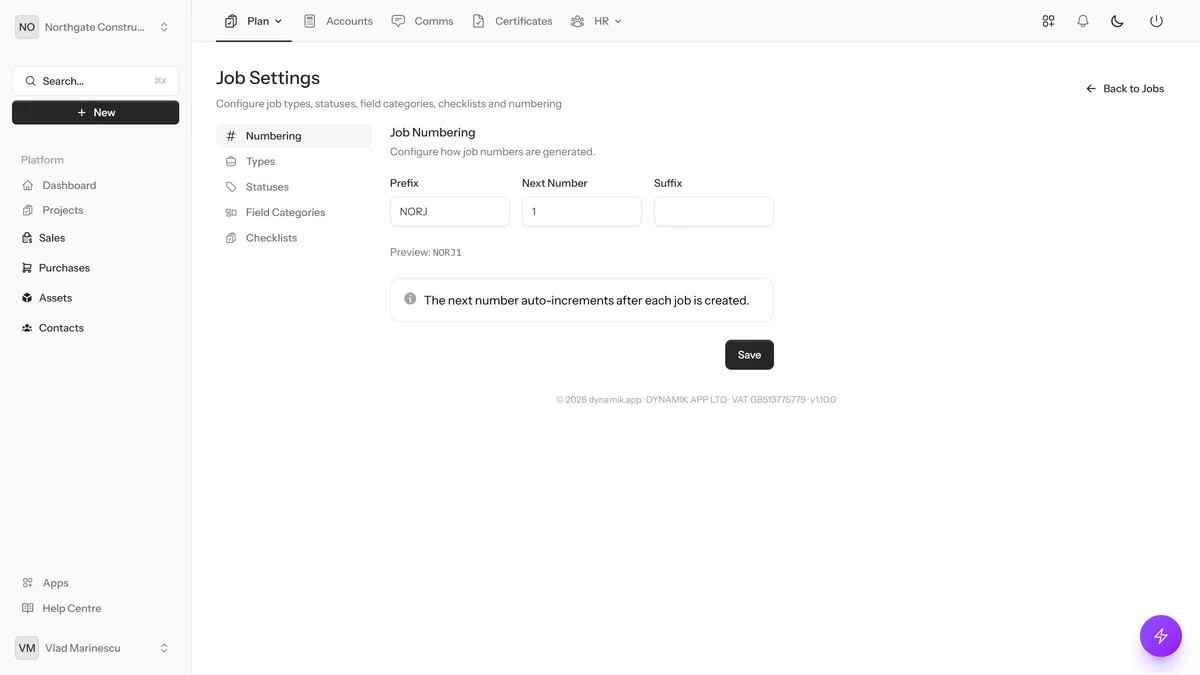
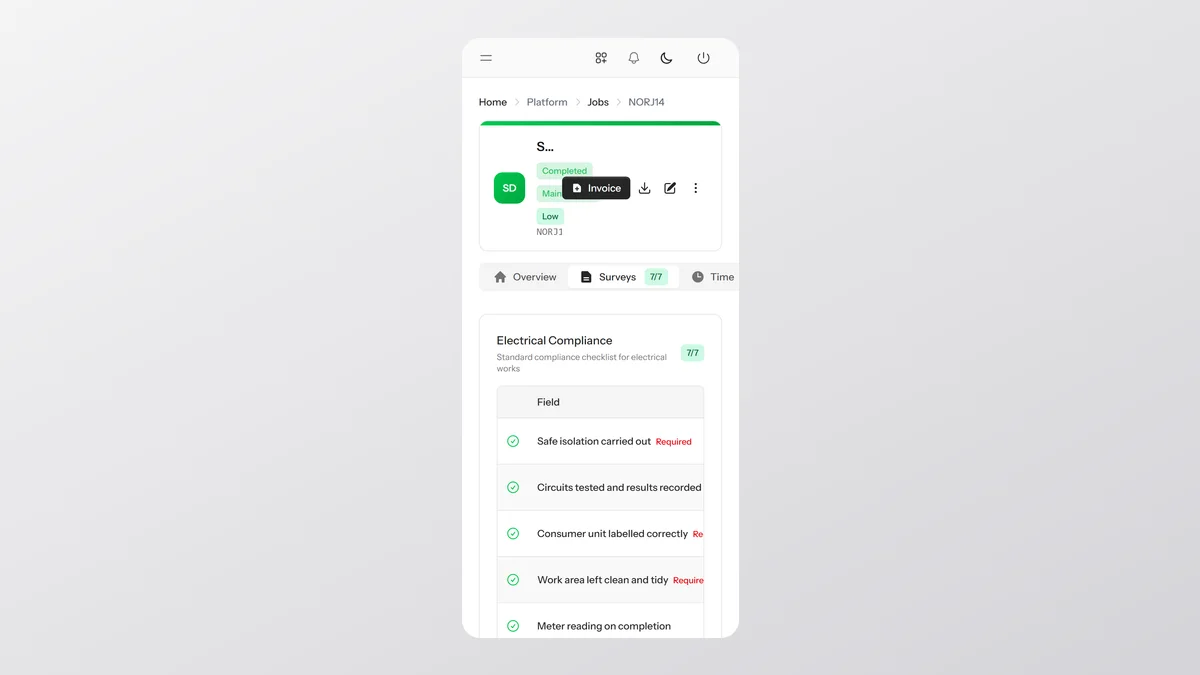
Define custom checklists and form fields that auto-attach to every job. Text inputs, dropdowns, pass/fail toggles, checkboxes, dates, numbers, and more. Each company builds the exact workflow their engineers need.
Key Benefits
Any Field Type
Text, numbers, dates, dropdowns, pass/fail, checkboxes, and photo uploads.
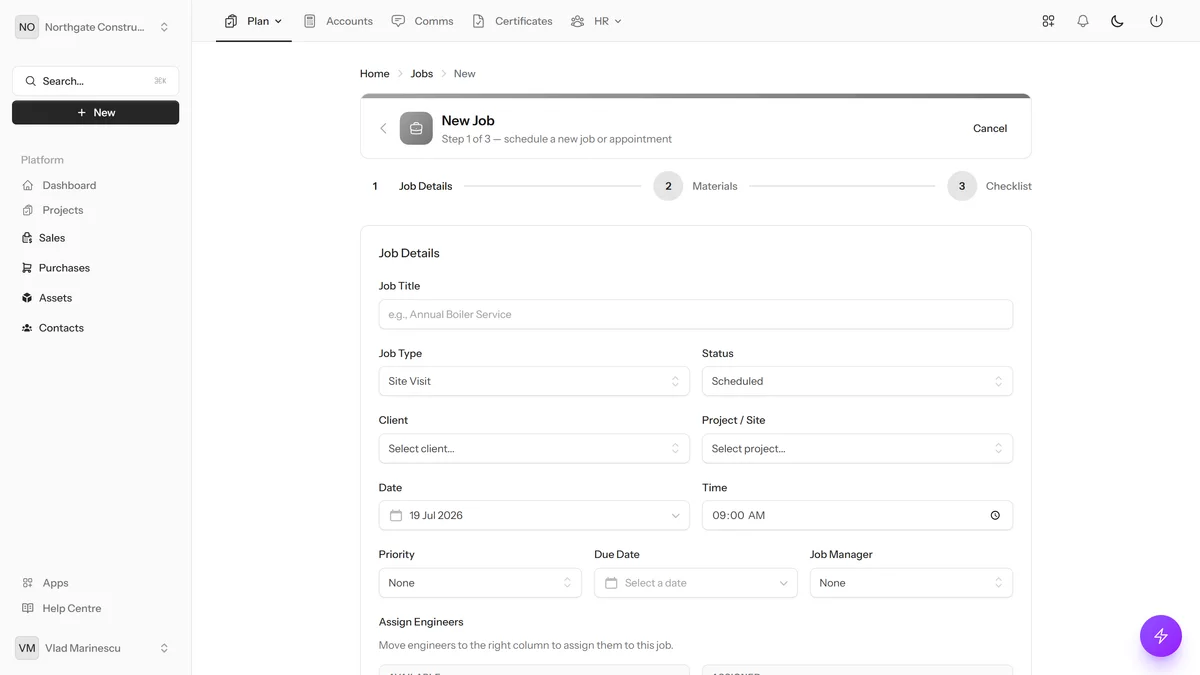
Auto-Attach to Jobs
Templates are added to every new job automatically.
Per-Company Templates
Each company defines their own fields — electricians get pass/fail, transport gets locations.
Completion Tracking
See who filled in each field and when.
Any Field Type
Text, numbers, dates, dropdowns, pass/fail, checkboxes, and photo uploads.
Text and textarea fields
Number and date inputs
Dropdown select with custom options
Auto-Attach to Jobs
Templates are added to every new job automatically.
Checkbox (yes/no) fields
Pass/Fail toggles for compliance
Photo upload fields
UK Built & Hosted
HMRC Recognised
No Credit Card Required
14-Day Free Trial
What You Can Do
Text and textarea fields
Number and date inputs
Dropdown select with custom options
Checkbox (yes/no) fields
Pass/Fail toggles for compliance
Photo upload fields
Required field enforcement
Drag-and-drop field ordering
Activate/deactivate templates
Completion timestamps and user tracking
Ready to Try Custom Job Fields?
Start your free 14-day trial today. No credit card required.
Get Started Free